
Reference

The bt99 App — Your Lobby in Your Pocket

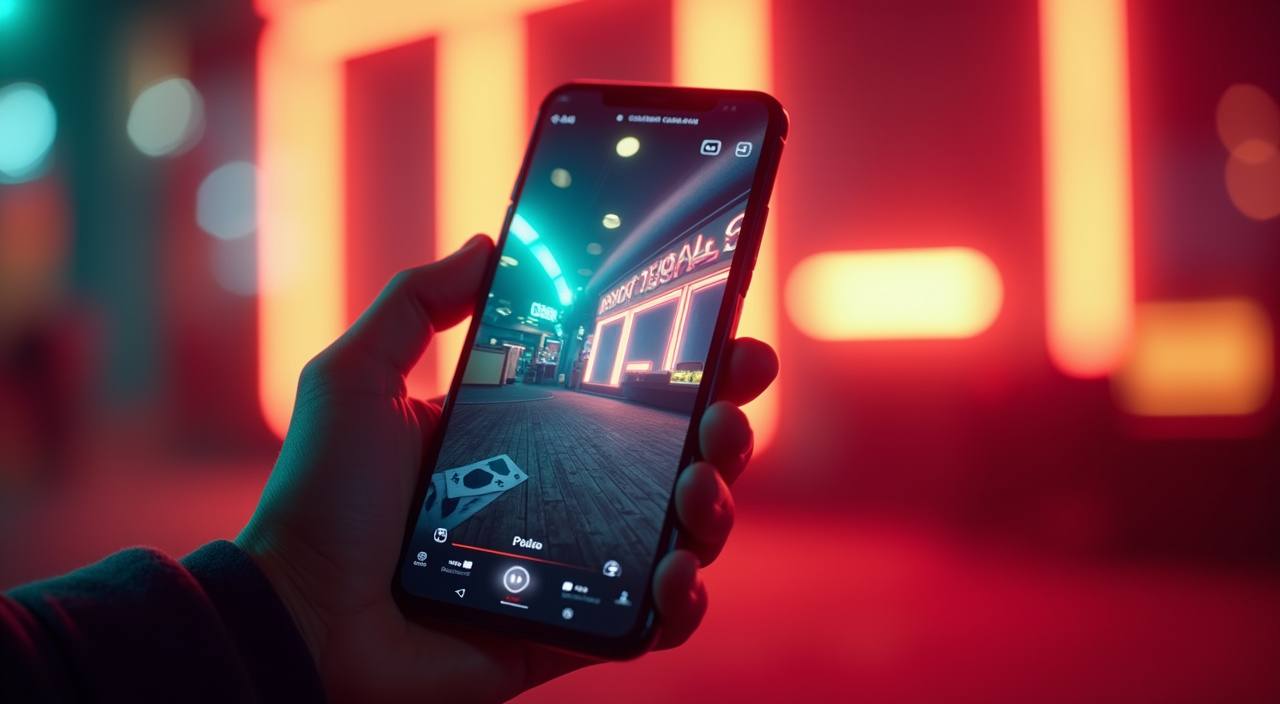
The bt99 app puts live casino tables, slots like Roulette BlazeSpin, and cricket sportsbook markets directly on your phone — no desktop required. Access depends on your local law and eligible region, so check current availability when you open your account.

mobile browser accessaccount wallet on the goavailability check at loginquick deposit via bKashlive lobby on any screen
bt99 The bt99 App — Your Lobby in Your Pocket
bt99 Mobile Access in 3 Steps

Mobile Access in 3 Steps

Getting into the bt99 app does not require hunting through an app store. The current access path is through your mobile browser, which means no download size to worry about and no waiting for an update to install. Players in Dhaka and across Bangladesh have been using this route to reach the lobby quickly. Open your browser, load the current bt99 address,

then log in with your credentials — biometric unlock activates after your first successful login. If the site prompts you to add it to your home screen, accept that shortcut; it behaves like a native app from that point. Check that your account region is set to Bangladesh before your first deposit.

  • Open bt99 in your browser — Type bt99 directly into Chrome or your device browser. Avoid third-party links — always use the address you have verified from your account confirmation.
  • Check browser compatibility — The lobby works on current versions of Chrome and Safari. If the layout looks off, clear your cache or switch to Chrome — that usually resolves display issues immediately.
  • Add to your home screen — Use your browser's share or menu option to add bt99 to your home screen. From that point it opens full-screen, without the browser bar, just like a native app would.
  • Sign in and enable biometrics — Log in with your account credentials once. When prompted, allow fingerprint access. Every session after that skips the password step entirely.

DEVICE CHECK LIST

Which Devices and Browsers Work With the App

Before you try to run Roulette Streak or a live baccarat table on your phone, it is worth confirming your setup matches what the app expects. The checklist below covers the main points to verify — none of these require a support call, you can check each one yourself in under a minute.

bt99 Browser version

Browser version

Chrome 100 or above and Safari on recent iOS handle the full lobby without layout breaks. Older browser versions may miss certain live-table features — update before your first session.

bt99 Screen layout

Screen layout

The app is built for portrait mode on phones and works in landscape on tablets. If a game resizes oddly, rotate your device — most live tables snap into the correct layout automatically.

bt99 Account region requirement

Account region requirement

Your account must be registered for an eligible region. Access to certain game categories, including live cricket markets, depends on the region setting saved to your profile.

bt99 Slots, Live Tables and Betslip From One Screen

Slots, Live Tables and Betslip From One Screen

Open the bt99 app and you land straight in the lobby — no extra clicks, no loading screens between game categories. Slots like Gates of Olympus and Football Bet Zone sit alongside live baccarat and Dragon Tiger tables streamed in real time. Your betslip for cricket and BPL markets stays pinned at the bottom so you can add selections without losing your

place. Push notifications let us flag when a table seat opens or a cricket match you follow goes live. Quick deposit from bKash or Nagad is one tap from the wallet icon, and fingerprint login means you skip the password every time you return.

APP FEATURE SNAPSHOT

What Makes the App Worth Using Every Day

These are the features that make a difference once you are actually inside the app — not promises, but things you notice on your first session. Each one is designed around how Bangladesh players actually move through a mobile lobby.

Fingerprint Login Skip the password on return visits. Biometric login gets you back into the lobby fast — your account stays secure without the friction of typing credentials each time.
Push Notifications We send alerts when a live table seat opens, when a cricket market goes live, or when your Nagad deposit is confirmed — so you never miss the moment.
Dark Mode Interface The app switches to a dark theme that is easier on the eyes during long sessions, especially at night or in low-light spaces. Toggle it from your profile settings.
Offline Lobby Preview Browse game categories and check table schedules even when your connection drops briefly. The lobby loads from cache so you can plan your next session without waiting.

Answers to What You Are Actually Asking About the App

These are the questions that come up most often from Bangladesh accounts when they first set up mobile access. If your question is not here, reach out through the support channel shown in your account dashboard.

Currently, access runs through your mobile browser at bt99 rather than a store listing. Adding the site to your home screen gives you a full-screen app-like experience without a separate download.

Tap the wallet icon from the lobby, select bKash, copy the account number shown, then send from your bKash app and confirm with your PIN. The deposit reflects in your account once the transfer clears.

Yes — Nagad and Rocket are both available in the deposit section alongside bKash. The process is the same: copy the shown number, send from your wallet app, and confirm the transaction.

Check that your browser is on a current version and clear the cache if the stream stutters. Switching from mobile data to Wi-Fi often resolves live-table loading issues for Evolution and Pragmatic Play tables.

Fingerprint login activates after your first successful password login. When prompted, allow biometric access in your browser settings. It works on most Android handsets running a current OS version.

Go to Account — Settings — Region after logging in. If Bangladesh is not already selected, update it before you deposit. Some live cricket markets and local wallet options only appear once your region is confirmed.
Reference

bt99 App

Service availability depends on eligible regions and local law. Users should check local rules before opening an account.

Access may be available only where local law permits.